FIX: Windows Live Essentials won't install on Windows 10/11
 3 min. read
 Updated on
Share this article


Improve this guide

Read our disclosure page to find out how can you help Windows Report sustain the editorial team Read more

Microsoft stopped including the Windows Live Essentials suite with the Windows 10 OS and retired some of the bundled software in 2017. However, interested users can still install Windows Live Essentials on their Windows 10 computer. That said, some users have reported that Windows Live Essentials does not install on Windows 10 for some reason.
One user shared concerns about the problem at hand.
“Hi Team,
Unable to install Windows Live 2012 into Windows 10 & Windows 8.1(Error-0X800C0006)
Looking solution for this.”
Learn how to solve this by following the instructions below.
How to install Windows Live Essentials on Windows 10?
1. Install US Language Pack
- Click on Start and select Settings.
- Click on Time and Language.
- From the left pane click on the Language tab.
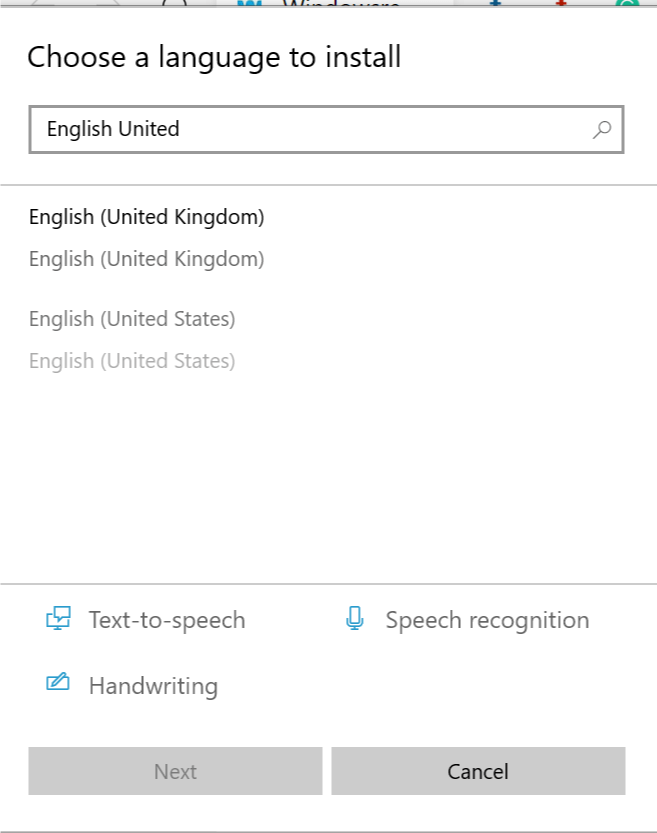
- Click on Add a Langauge.

- Type and select the English United States and click Next.
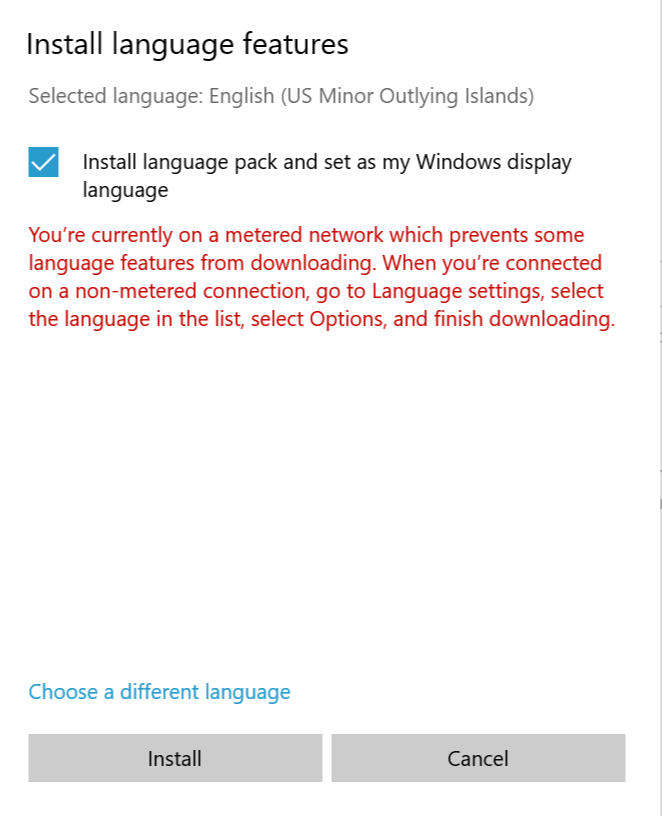
- Check “Install language pack and set as my Windows display language” option and click on Install.

- Wait for the Windows to download and install the language packs on your system.
- Once successfully installed, reboot the system. After the restart check if the English US is installed.
- Now try to run the Windows Live Essentials installer and check for any improvements.
2. Install Windows Live Essential from the Offline Installer
- On your browser go to Windows Live Essential Archive link, here.
- Wait for the download to finish.
- After the download is complete, open the folder where the installer is saved.
- Right-click on the Windows Essentials Installer and select Run as Administrator.
- If the error was due to a corrupted installer, this should help you install the suite successfully.
3. Uninstall Live Essentials
- Press Windows Key + R to open Run.
- Type control and press OK to open the Control Panel.
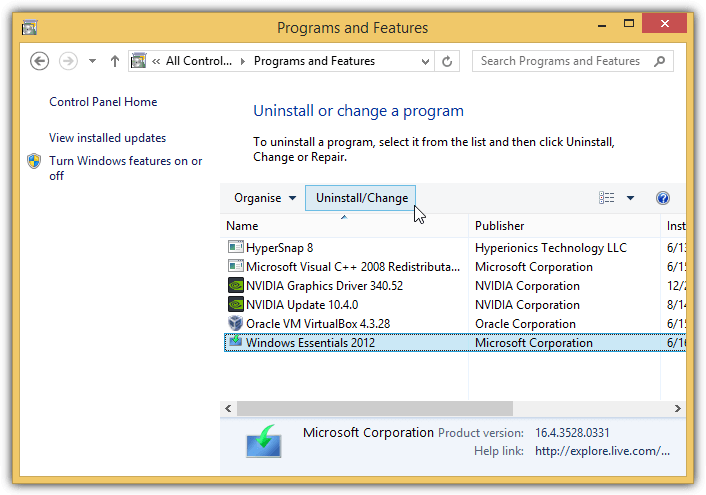
- Go to Programs > Programs and Features.
- Find Live Essentials and other related programs like Windows Live Messenger etc.
- Uninstall all the programs related to the Windows Essentials and Live Essentials.
- Now run the Windows Live Essentials installer once again and check if the error is resolved.
- If the issue persists, try to clean the Junk/Leftover Essentials files using a software uninstaller.
4. Delete the Windows Live Folder
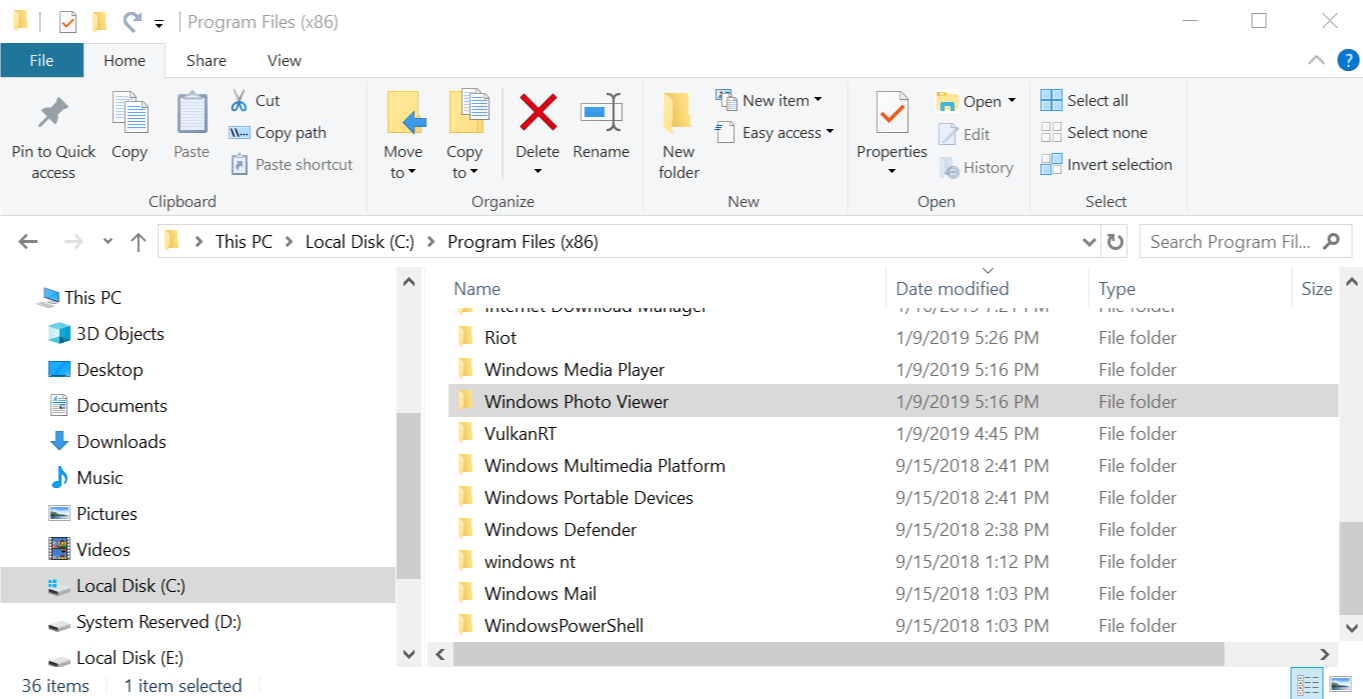
- Open “File Explorer”.
- Navigate to the following location:
C: -> Program Files (x86) -> Windows Live - Right-click on the Windows Live Mail folder and select delete.
Windows Live Mail comes as a part of Live Essentials. So, if you have the older folder undeleted, it will create issues with the installation.
5. Install .NET Framework 3.5
- Press Windows Key + R to open Run.
- Type Control and press OK to open the Control Panel.
- Go to Programs > Programs and Features.
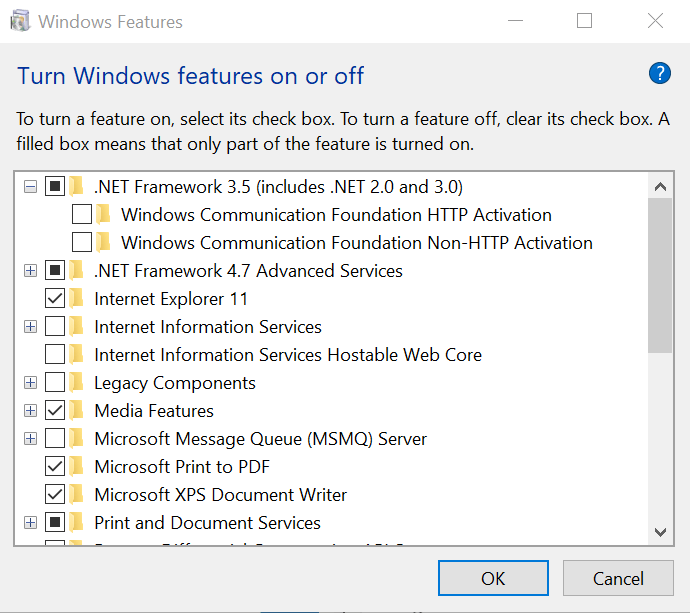
- Click on “Turn Windows features on or off”.

- In the Windows Features window, select “.NET Framework 3.5“.
- Click OK. If prompted to confirm the action, click Yes.
- Restart your Windows computer and run the Windows Live Essentials installer and check for any improvements.
6. Other Solutions to Try
- Before the installation, disconnect the WiFi and make sure you are not connected to the internet and try again.
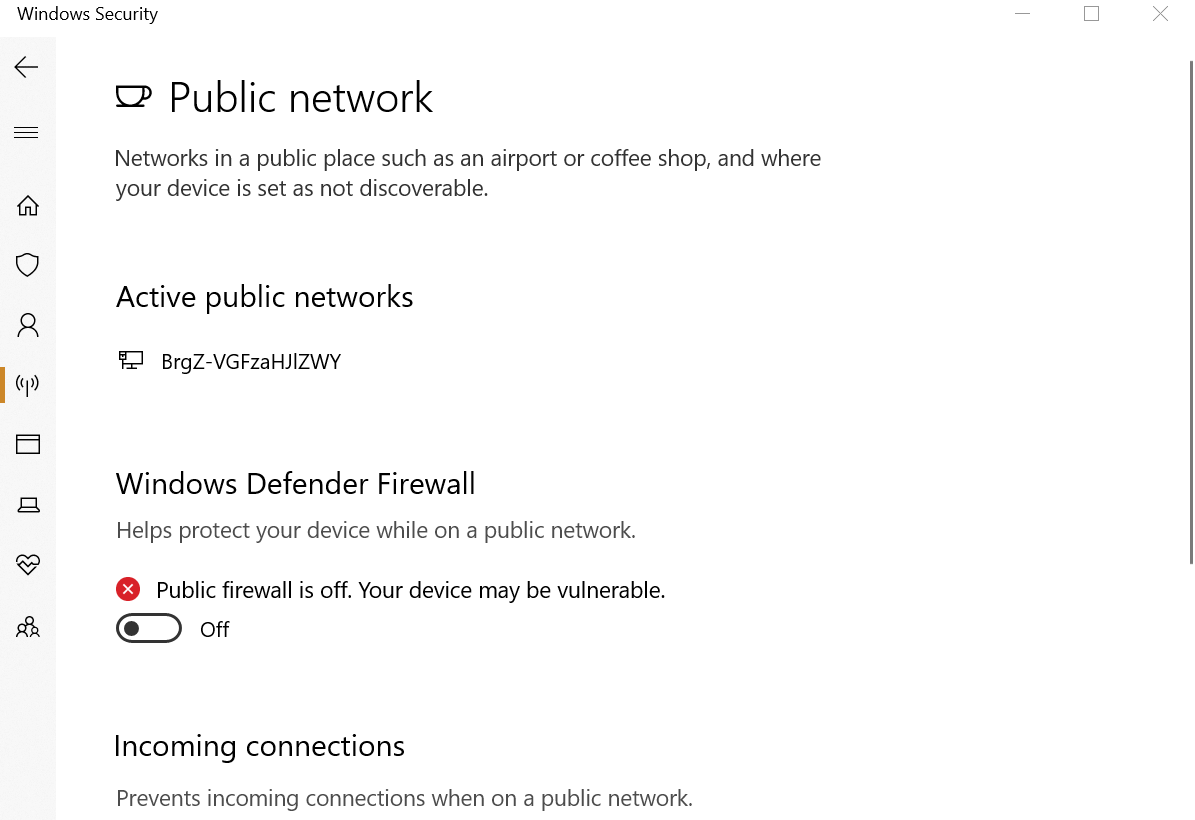
- Go to Start > Settings > Windows Update and Security > Windows Security > Firewall and Network Protection. Click on the Active Network and Turn Off Windows Firewall.