Want to Set Live Wallpapers on Windows 11? Here's How
Animated wallpapers in Windows 11 aren't natively supported
 2 min. read
 Updated on
Share this article


This article is translated in



Improve this guide

Read our disclosure page to find out how can you help Windows Report sustain the editorial team Read more

Are you bored with your regular background image and would like to switch it up a bit? If you are, you can easily use live wallpaper on Windows 11.
However, this is not an operating system option, but you can still use it by following these steps.
How can I set an animated wallpaper in Windows 11?
Before the solutions, you can follow the tutorial below to help you set live wallpapers on Windows 11:
1. Use Lively Wallpaper
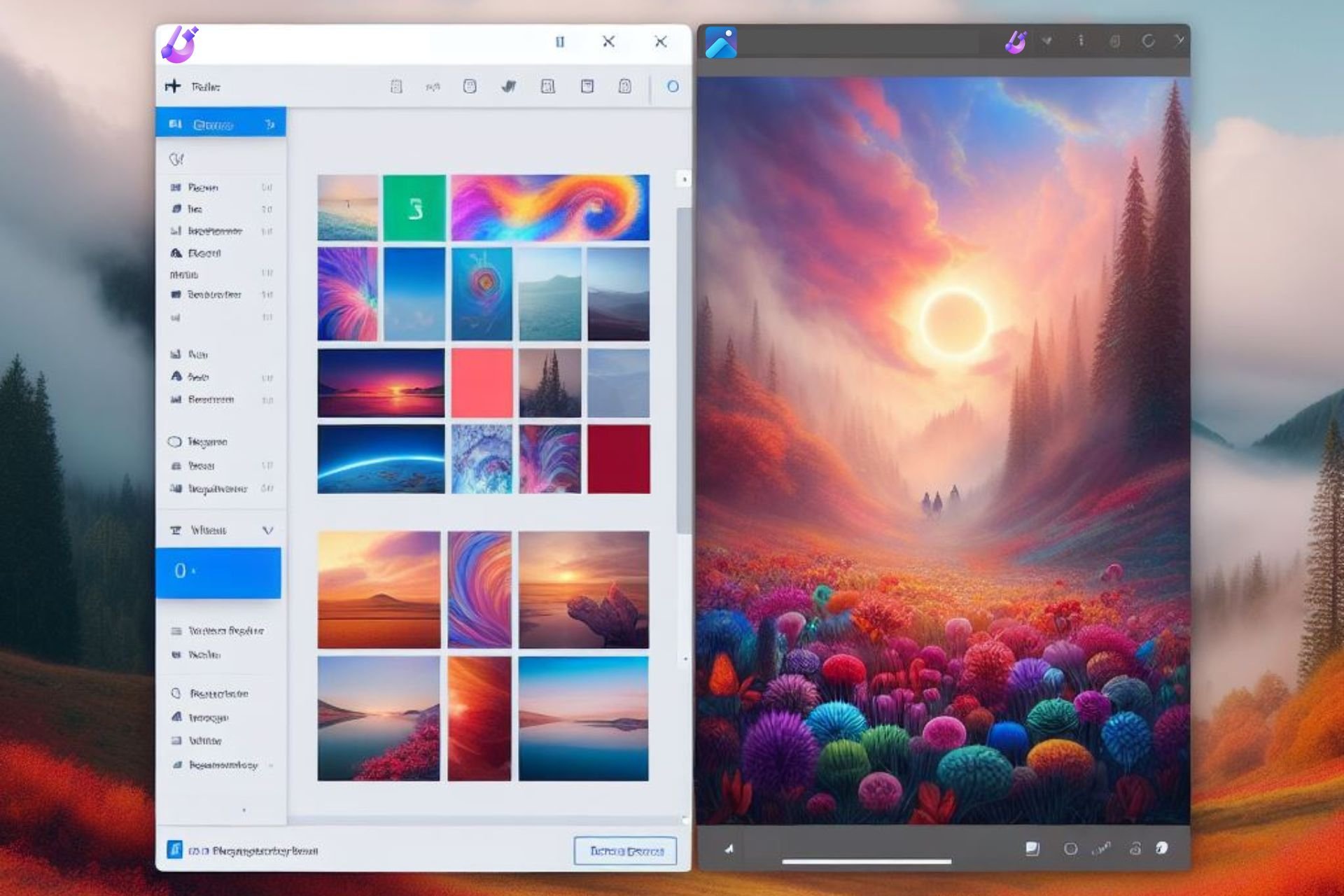
1. Download Lively Wallpaper, either from the official page or the Microsoft Store.
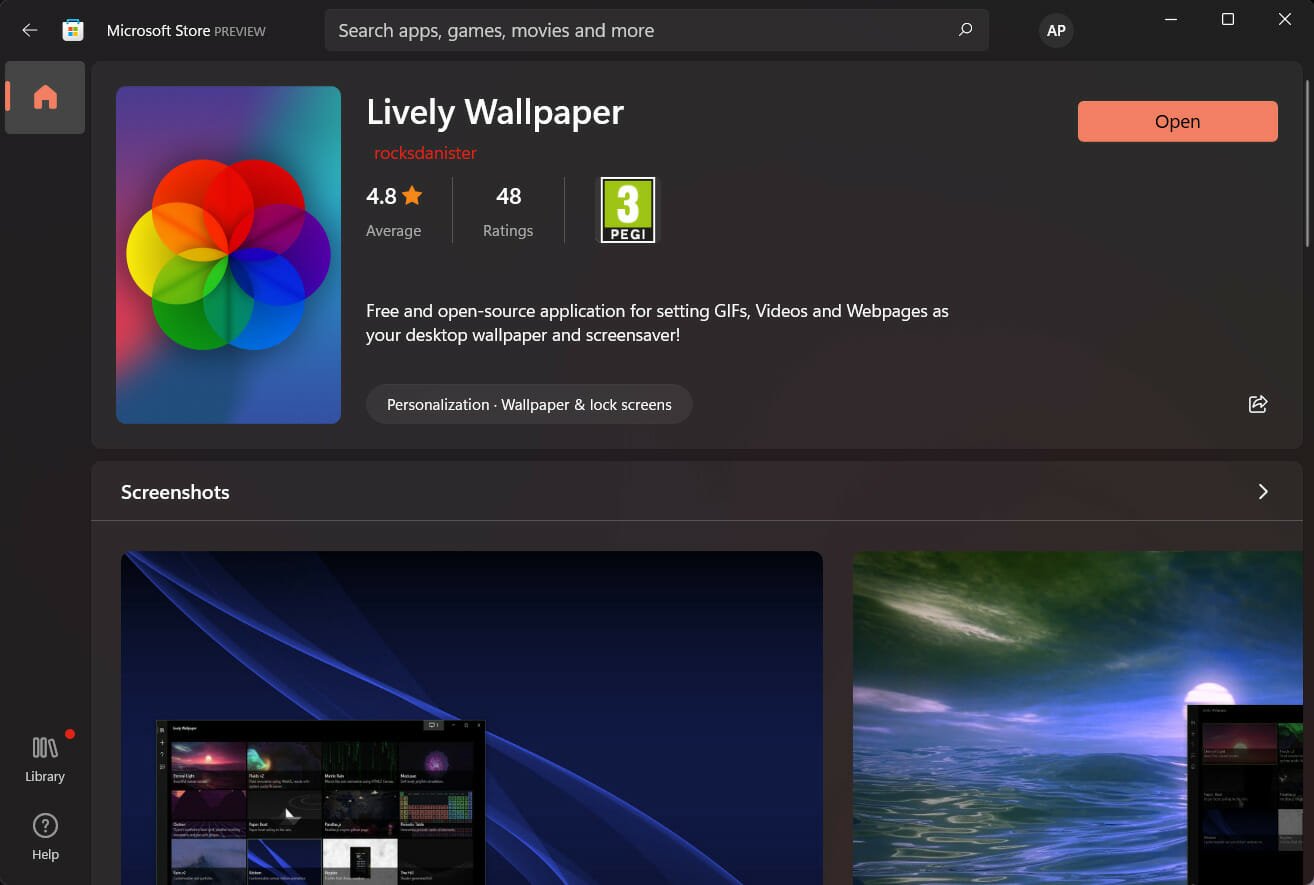
2. Install Lively Wallpaper on your device.
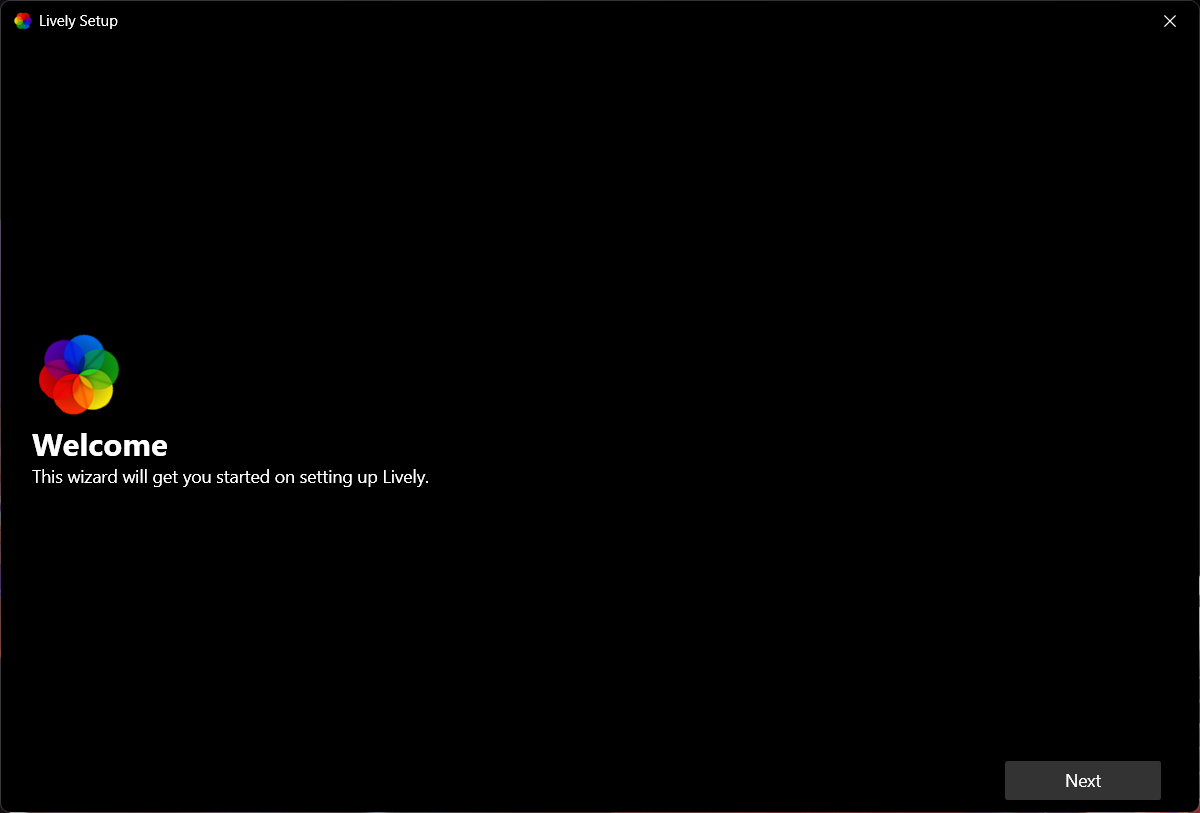
3. Open the app.
4. Go to Library.
5. Select one of the pre-existing choices for a live wallpaper.
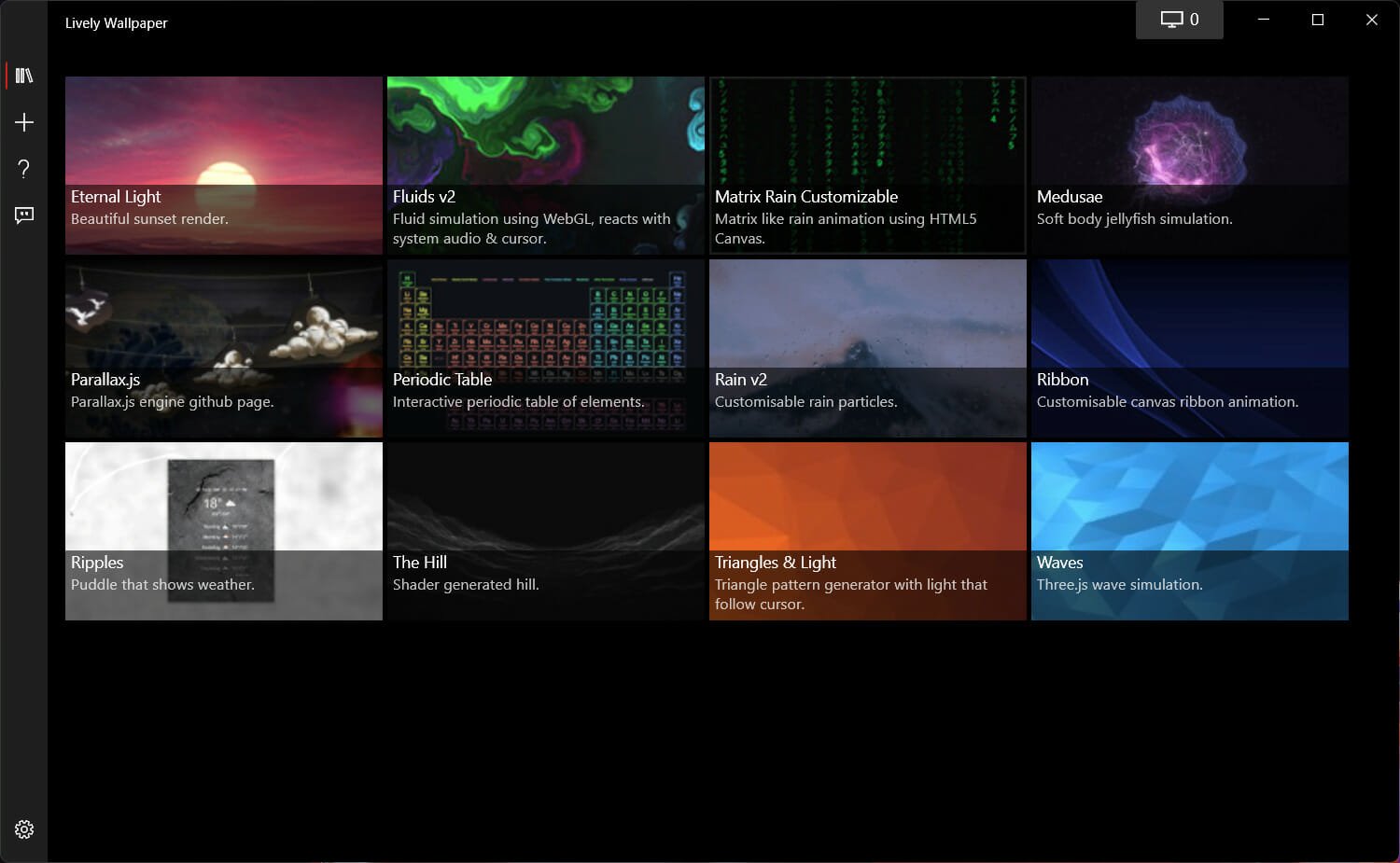
6. Click on the three-dotted button to open the menu.
7. Multiple options will appear. Select Set as Wallpaper.
8. The live wallpaper you selected is now on your desktop.
These steps are basically what you have to do in order to have a live, animated wallpaper, even if you are using Windows 11.
Can I add more live wallpapers to the app?
We know that it’s hard to please everyone, so if you are not at all happy with the current selection provided by developers, you can add more wallpapers with just a few clicks. Here’s how:
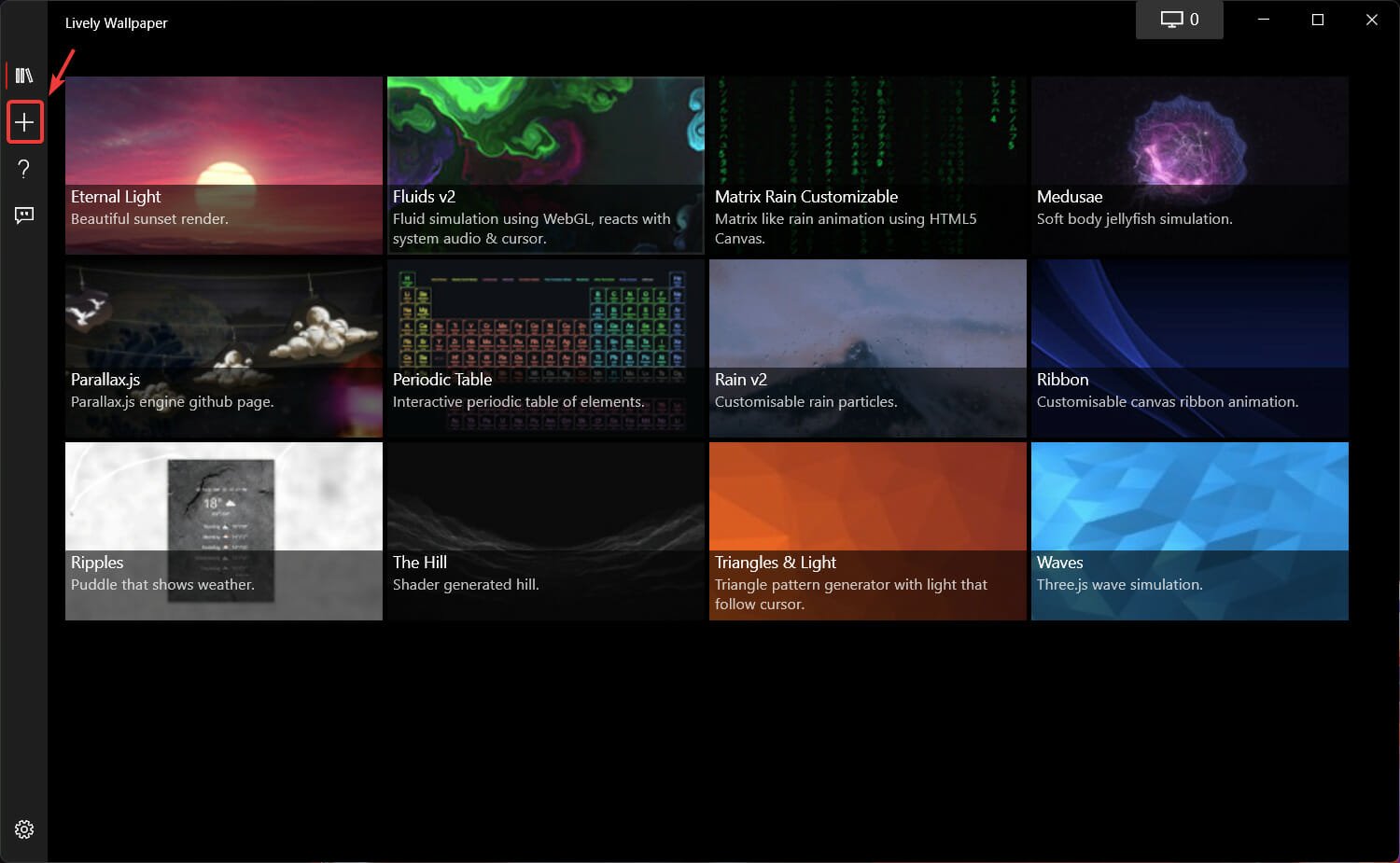
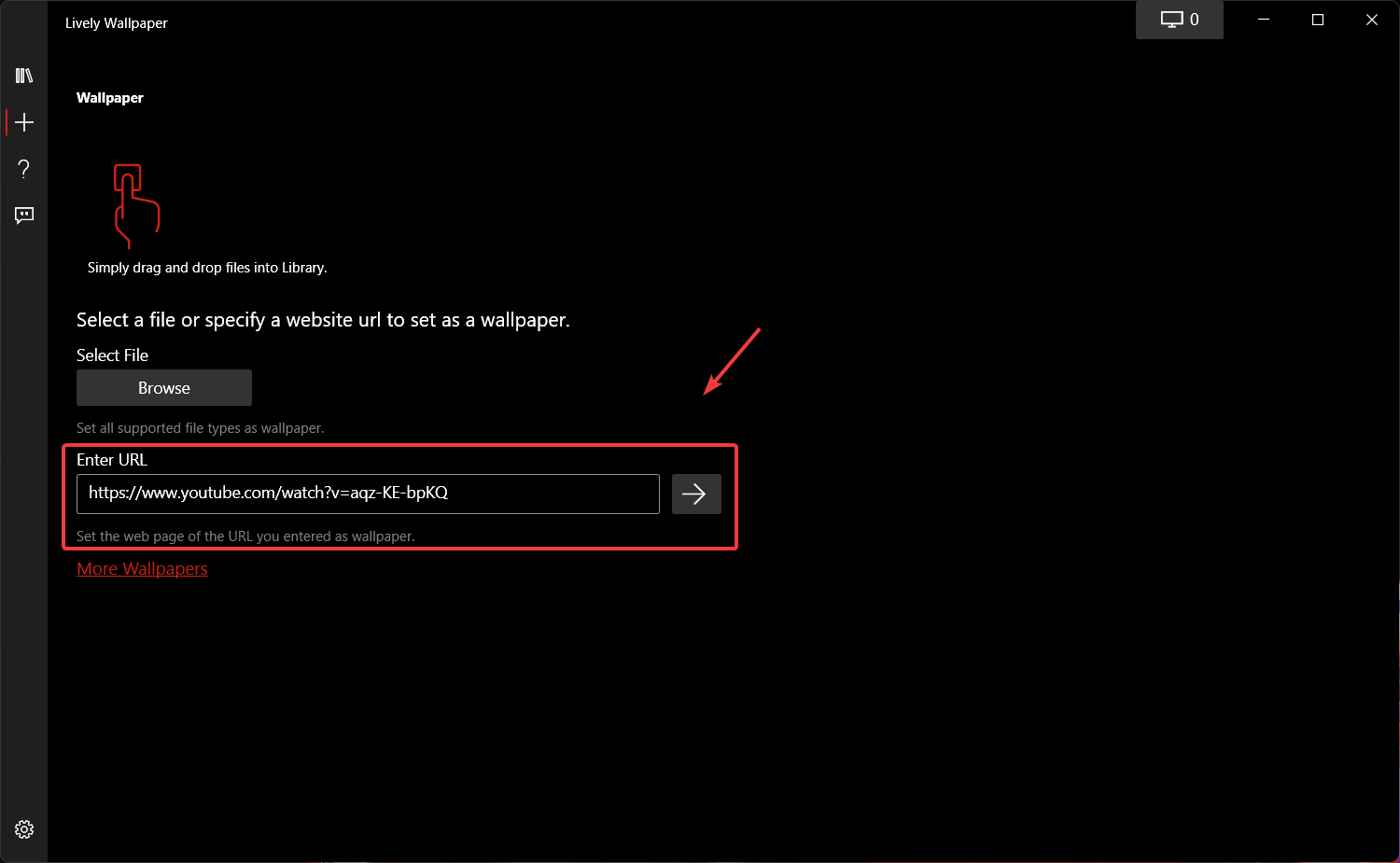
- In the Lively Wallpaper app, press the plus button.

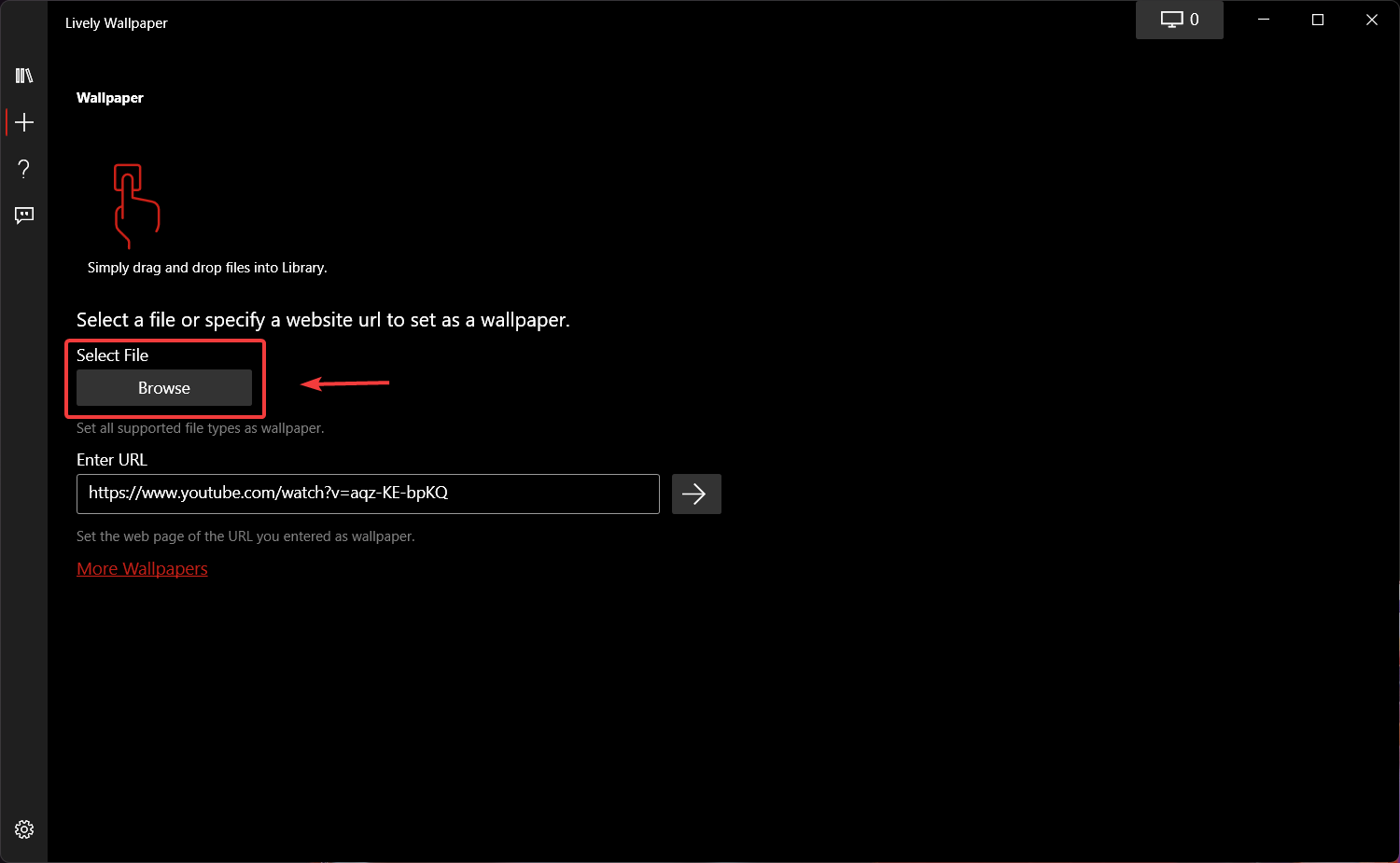
- If the file you are trying to add is already in your PC, click on the Browse button.
- If you want to make a live wallpaper out of your favorite Youtube video, copy the video’s URL and paste it here.
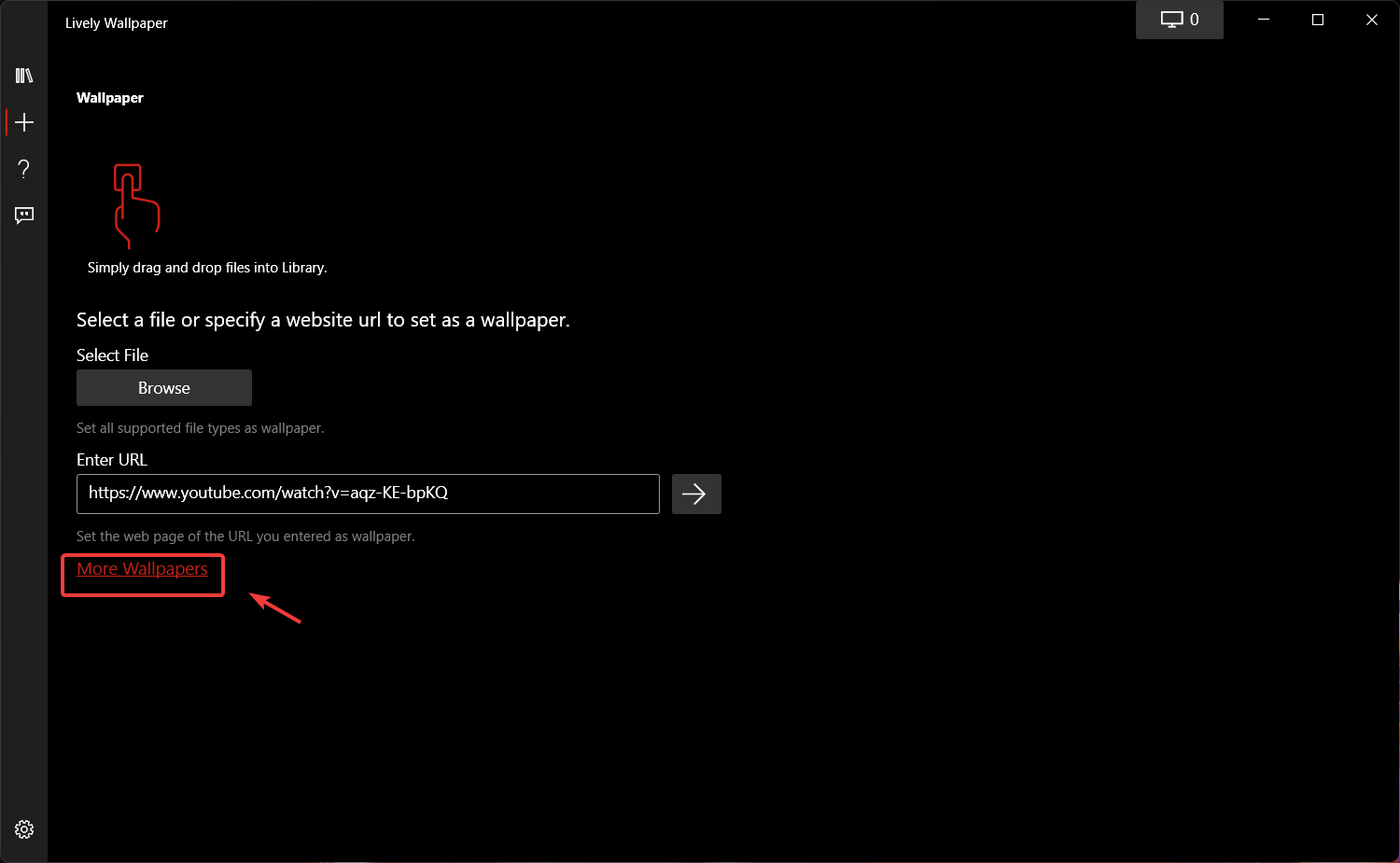
- Clicking on the More wallpapers button will send you to the Lively Walppaper subreddit.
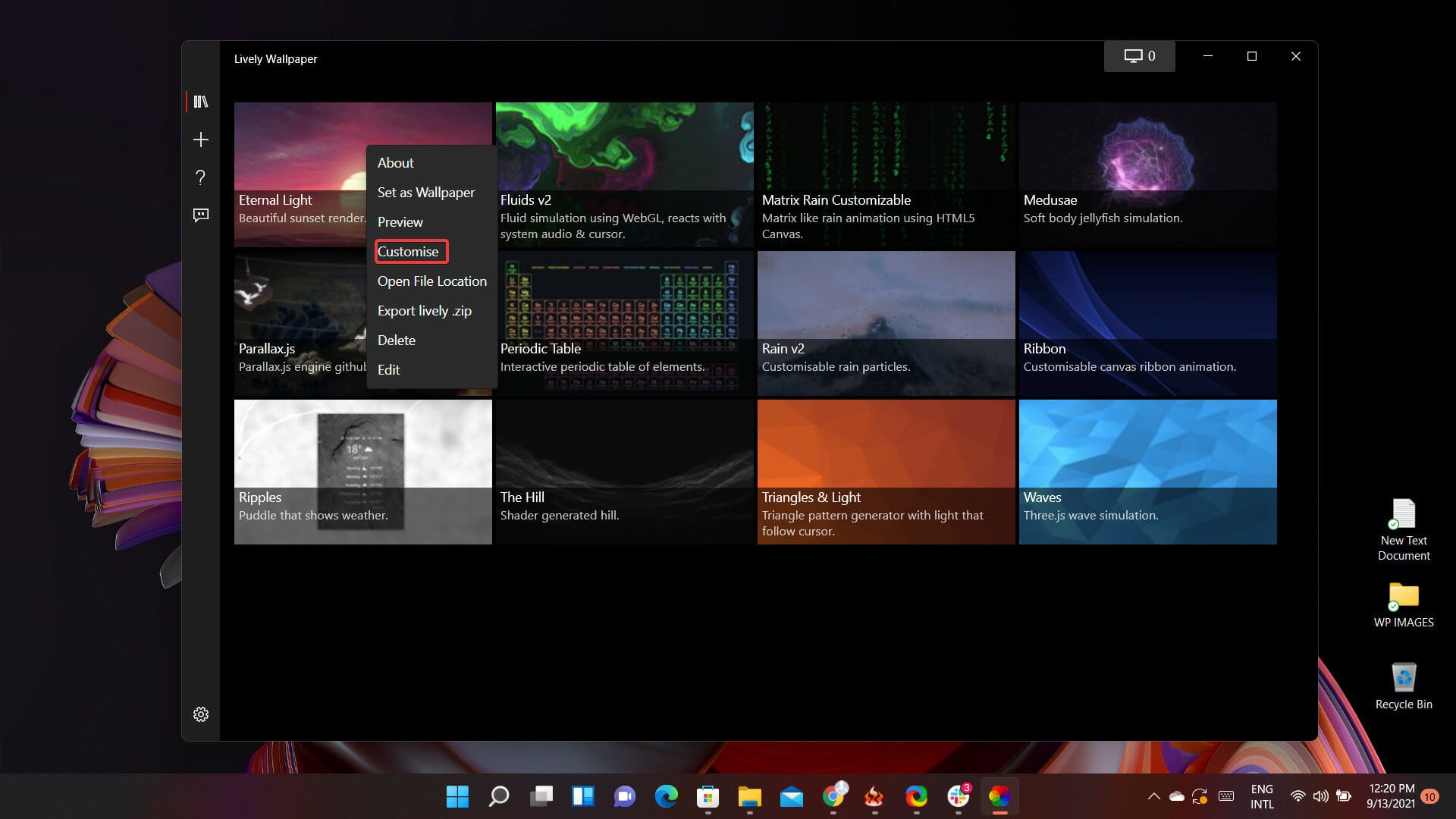
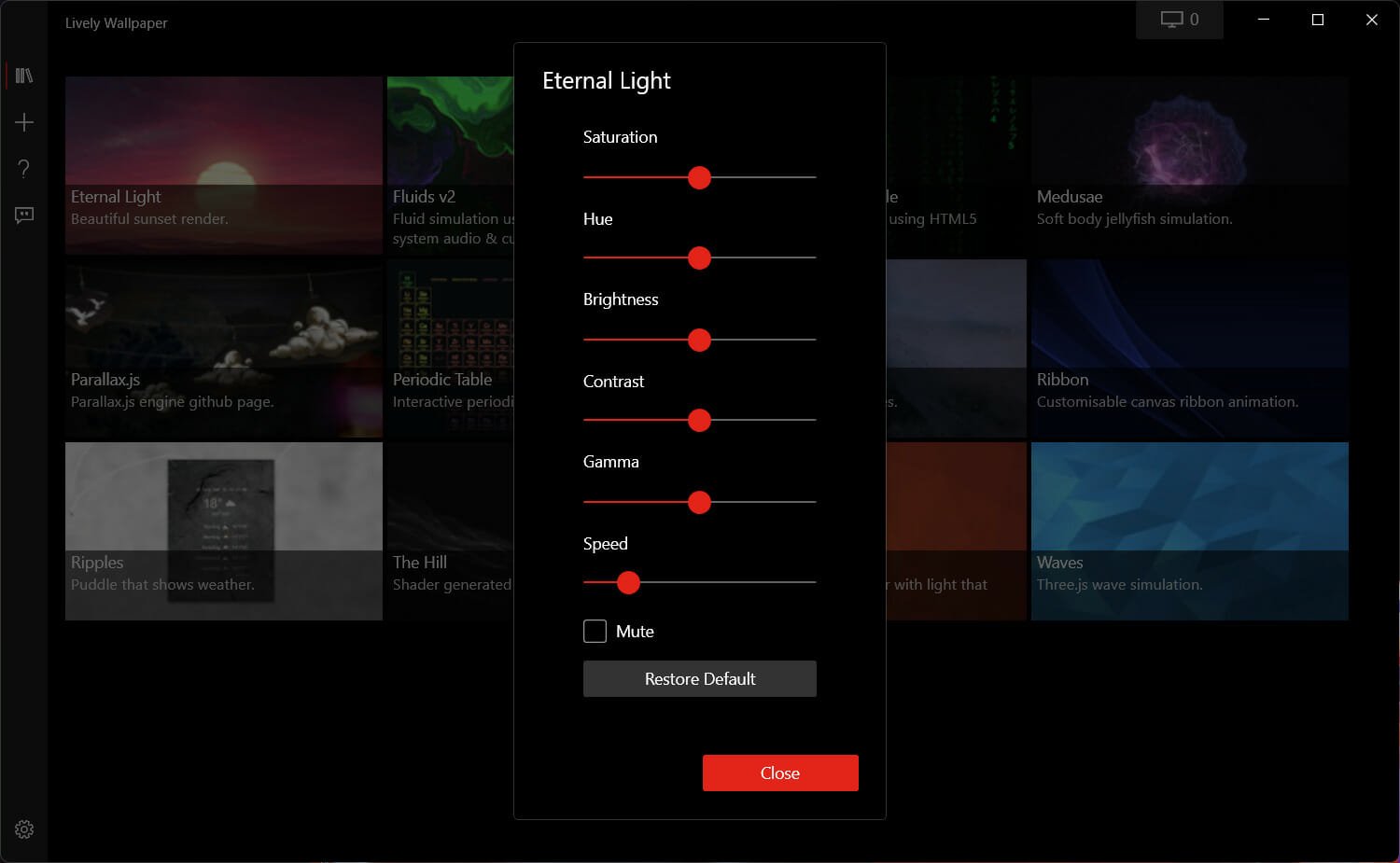
You can also tweak certain aspects of your new live wallpaper, such as saturation, hue, brightness, contrast, gamma, or speed. How can you do that you ask?
Well, easier than one might think. In the Lively Wallpaper app, just right-click on any wallpaper and select Customize.
After doing so, a dropdown menu with all the above-mentioned options will appear and you will be able to make the desired modifications.
There you go! Now you are all set to set up your first Windows 11 live wallpaper. This is great news for many early adopters, as they weren’t sure if this software will also be compatible with the new OS.
If you’re on an older Windows version, we have a great guide on how to set up a dynamic wallpaper on Windows 10, so don’t miss it.
To learn more about wallpapers, don’t miss our great guide on wallpaper compression in Windows 11.
Was this article helpful? Let us know in the comments section below.