Microsoft Translator app gets a new live feature and Cortana integration
 2 min. read
 Updated on
Share this article




Read our disclosure page to find out how can you help Windows Report sustain the editorial team Read more
Translator enthusiasts just got some great news. Microsoft released a significant update for the Translator app for Windows. The update is filled with a lot of goodies, including Cortana integration, support for Windows Ink, advanced offline translation, inking support, live feature and advanced offline translation. Check out the main features that are packed in this major update below.
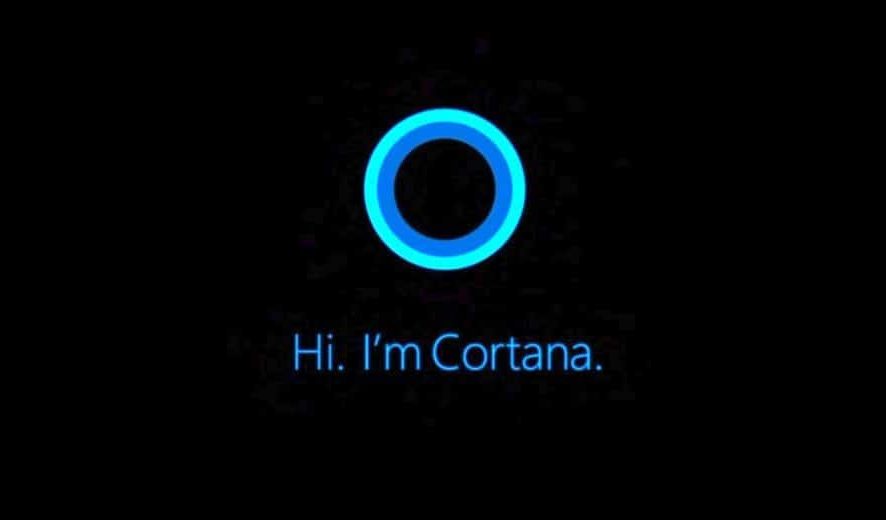
Cortana integration
This brand new feature that reaches the app allows users to ask Cortana to start or join a conversation. You can choose from more languages including Chinese Simplified, German, French, English, Spanish, Italian, Japanese and Portuguese.
- Here are some commands examples from the app’s description in the Microsoft store:
- “Hey Cortana, start a conversation in Translator”
- “Hey Cortana, ask Translator to start a conversation”
- “Hey Cortana, ask Translator to join conversation {CONVERSATION CODE}”
Advanced offline translation
Microsoft brings the neural network-powered offline language packs to Windows 10 systems. The feature got released in April for Android devices as well. from now on, users will be able to download these offline language packs to translate when they don’t have an accurate Internet connection.
Inking support
If your Windows 10 device has Inking support, you will be able to de text translation by writing with a stylus or mouse.
Live feature
The update enables users to start or join a live or translated conversation across multiple languages.
Phrase & dictionary
This feature allows you to access more than 200 essential phrases and words and you will also be able to save the most frequently used phrases to the list in your Favorites.
You can check out more features of Microsoft’s Translator app and the latest updates from the Microsoft Store. Download the app from the Store and enjoy its newest and most exciting features.
Moreover, Microsoft will soon release a pay-as-you-go transcript translation feature for Stream, so find out all about it right away.