Windows Live Messenger for Windows 8, Windows 10: Where is it?
 4 min. read
 Updated on
Share this article


Improve this guide

Read our disclosure page to find out how can you help Windows Report sustain the editorial team Read more
If you are looking for Windows Live Messenger in Windows 10, you will be disappointed to hear that it is no longer available.
If you’re like me, then you have a strange passion for old software or, to be more precise, for software that is now outdated. And such an example is the Windows Live Messenger, so with the appearance of Windows 10, Windows 8, this became obsolete.
This is very similar to what has happened with Outlook Express, another “oldie”, in Windows 7 and Windows 10, Windows 8. Those of you with a nostalgic feeling for Windows Live Messenger is probably looking for it on Google. Look no more.
Windows Live Messenger was shut down in 2013
The last time when I checked for Windows Live Messenger was on Microsoft‘s official website, on the Download Center. And guess what, it was still there, or, at least the search result was.
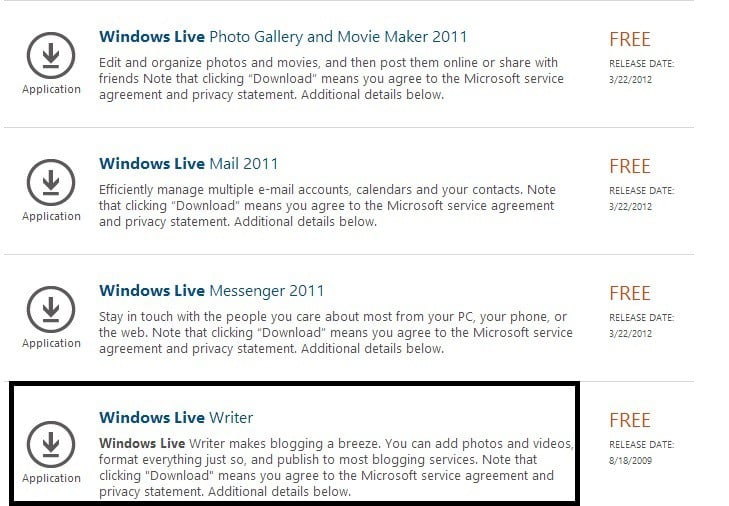
Thus, when you click on it to download, the following message appears:
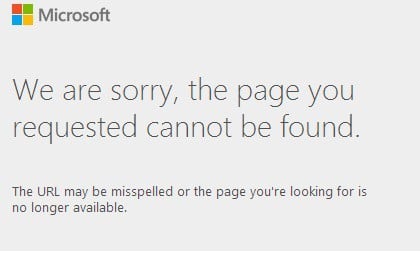
Windows Live Messenger is gone in Windows 10, Windows 8
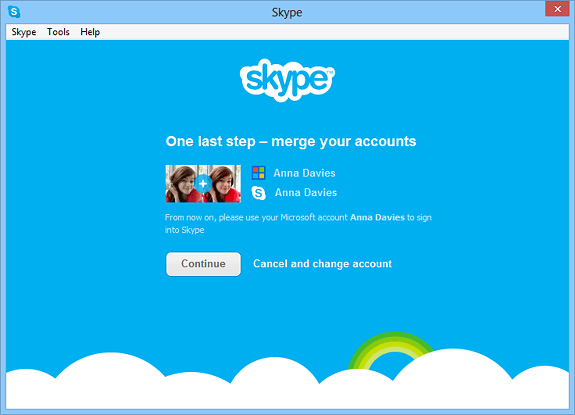
The sad truth is that Microsoft is retiring Windows Live Messenger and some users have already been migrated to Skype since March 15th. So, the simple step is to embrace the Skype experience but we’re strongly suggesting you try the desktop version first, prior to the Windows Store one. We just didn’t like it that much. Thus, by the end of April 2013, Microsoft has completely phased out support for Windows Live Messenger, so if you’re looking for that “old” experience on Windows 10, Windows 8, it saddens me to say that it will be impossible.
This was the natural thing to happen, even before Microsoft had bought Skype for an immense amount of $8.5 billion. Windows Live Messenger wasn’t present by default in Windows 7, as you were only able to use it after installing or after using services from a different company. What will most likely follow is that Microsoft accounts will be linked to Skype names for a seamless transition. This is a quick explanation from a smart TheVerge commenter on the differences between Skype and Windows Live Messenger:
Skype was peer to peer, i.e. messages could be sent only when both parties were online. Messenger stored messages on MS servers but now both Skype is running on Messenger’s servers so that’s solved. Messenger was available from any computer, you only had to be logged into your Live account via any browser. Skype required desktop client which led to issues on Mac and Linux with bad updates or lack of updates.
Now that’s solved (well, will be this month or so) because Skype is coming to outlook.com. Basically, Skype was better at video calls, Messenger better at messaging. Now they are both the same thing so it should be the best thing ever. New Skype is a competitor to iChat, Google Voice and Google Talk all at once
Can we get it back?
Unfortunately, no, unless you are living in China, where it will still remain active. You can still try and install the IM+ app in the Windows Store, but from my own experience, syncing your contacts on Skype will actually prove to be pleasant, so don’t be afraid of doing it. If you encounter some issues, though, you can always voice your concern in the official forums.
[UPDATE] Microsoft introduced Skype instead of Windows Live Messenger, but users were not happy about the updates. Microsoft was focused on the corporate market and Skype was not user-friendly any longer. Even so, Microsoft forces Skype users to install the new version on May 25.
The good news is the traditional Skype app for desktop is once again available for download from the official Skype website and it’s listed as the ‘classic Skype’. Although, users are warned that some of its features may differ when using Windows 10 Anniversary Update or higher versions of the operating system.
What are your thoughts on this and which chat program is your favorite on Windows 10? Let us know in the comments below.
RELATED ARTICLES TO CHECK OUT: